
Review pricing, time limits, AI requests, screenshots, and supported platforms.
Chiku AI review alternative
Chiku AI Review Alternative
Chiku AI is visible in India-focused AI interview searches. Cluegent competes with a focused desktop workflow for live answers, screenshots, resume context, and meetings.
Test one India fresher question and one coding question before buying.
Compare resume-aware answer quality and customization depth.
Check how the assistant behaves with Zoom, Meet, Teams, and coding screens.
Use responsible-use rules for every interview or assessment.
How India candidates should review Chiku AI alternatives
Do not review only by price. Test the flow: start the assistant, ask a live question, attach a coding screenshot, request a resume-based answer, and check if the response sounds usable in an interview.
Where Cluegent is different
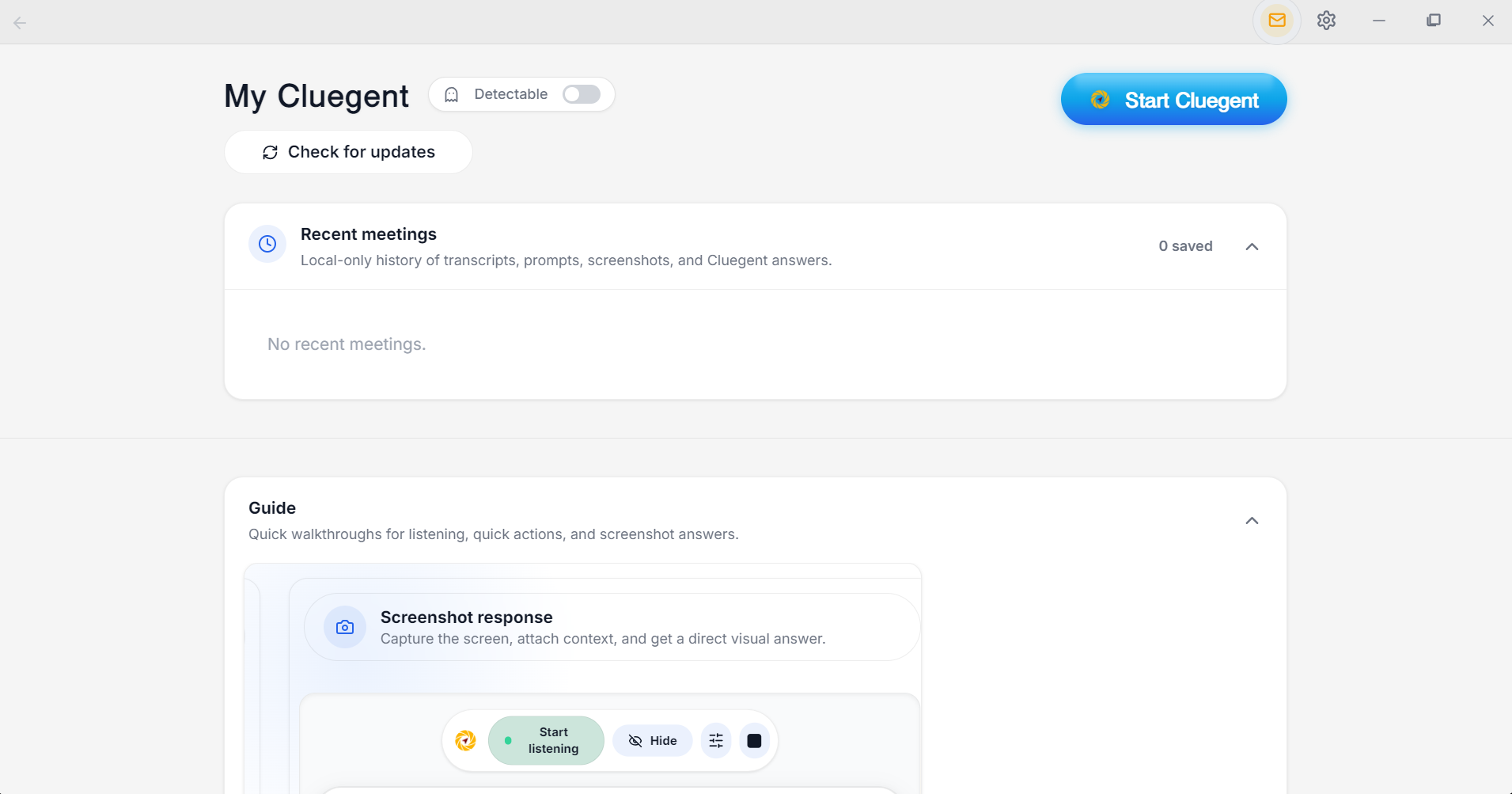
Cluegent is built around a compact desktop assistant with listening, screenshots, typed prompts, quick action buttons, resume context, and local meeting history.
Best fit
Cluegent is a strong fit for developers, freshers, and remote candidates who want direct desktop help instead of a broader job or resume ecosystem.
Customize Cluegent for your context
Cluegent is not one fixed answer style. You can tune the assistant around your resume, screen, voice context, and repeated prompts.
Resume context
Add your resume in Settings → Customize so Cluegent can keep your background, projects, skills, and experience in mind while helping with permitted interviews.
Listening responses
Customize how Cluegent answers from live transcript context: concise, detailed, example-first, interviewer-facing, or any style that matches your workflow.
Screen and type responses
Set separate behavior for screenshot-based answers and typed prompt answers, so code screens, visual questions, and direct questions get the right response style.
Quick action buttons
Create quick action buttons for repeated prompts like answer shortly, give an example, explain tradeoffs, brainstorm, or ask the next question.
How Cluegent compares
Clear differences help Google and users understand where Cluegent fits.
Review criterion
Cluegent
What to check in Chiku AI
India use case
Dedicated India pages
Strong India positioning
Pricing
Plans and free trial
Check official pricing
Screenshots
Screenshot-aware answers
Screen capture analysis
Frequently asked questions
What is Cluegent?
Cluegent is a customizable Windows and macOS desktop AI assistant for live interviews, meetings, coding screens, and screen workflows. It listens when you start it, keeps rolling context, and shows private responses on your desktop.
Does Cluegent join my meeting?
No. Cluegent runs as a desktop app and does not join as a meeting participant or install a browser extension into the call.
Which platforms does Cluegent work with?
Cluegent is designed for desktop workflows across Google Meet, Zoom, Microsoft Teams, Slack Huddles, coding editors, browsers, and document windows.
Can I customize how Cluegent answers?
Yes. In Settings, the Customize section lets you add resume context, tune listening responses, screen responses, and typed prompt responses, and manage quick action buttons for common prompts.
Is the private overlay a guarantee against every detection method?
No. Cluegent is designed to stay out of standard screen capture behavior, but users are responsible for following laws, platform rules, workplace policies, school policies, and interview rules.