



Built for live interview workflows across Zoom, Google Meet, and Microsoft Teams.
AI interview assistant India
AI Interview Assistant for India
Cluegent helps Indian job seekers, freshers, and developers stay structured during permitted live interviews with resume-aware answers, coding support, screenshot context, and private desktop workflows.
Download Cluegent
Turn this guide into a live desktop AI copilot.
Install Cluegent for permitted interviews, coding rounds, Zoom, Meet, Teams, screenshots, resume-aware answers, and quick actions.
Get for Windows
Used by early Cluegent customers
Checklist before you practice
- Name the employer's need in language that reflects the job description.
- Choose one example with a clear personal contribution.
- Explain the result without inventing metrics.
- Connect your evidence to work you would do in this role.
- Keep the spoken answer under one minute unless asked for more detail.
Resume-aware answers for freshers, developers, and experienced candidates.
Screenshot-aware coding help for visible problems, errors, and technical screens.
Private desktop overlay designed to stay out of standard screen sharing.
Useful for software, product, support, analyst, and technical interview practice.
Why India candidates search for live AI interview help
Many Indian candidates face fast-paced interviews, coding rounds, English communication pressure, and back-to-back hiring processes. Cluegent is positioned for candidates who need structure, examples, and context while staying inside the desktop workflow.
How Cluegent helps during Indian hiring rounds
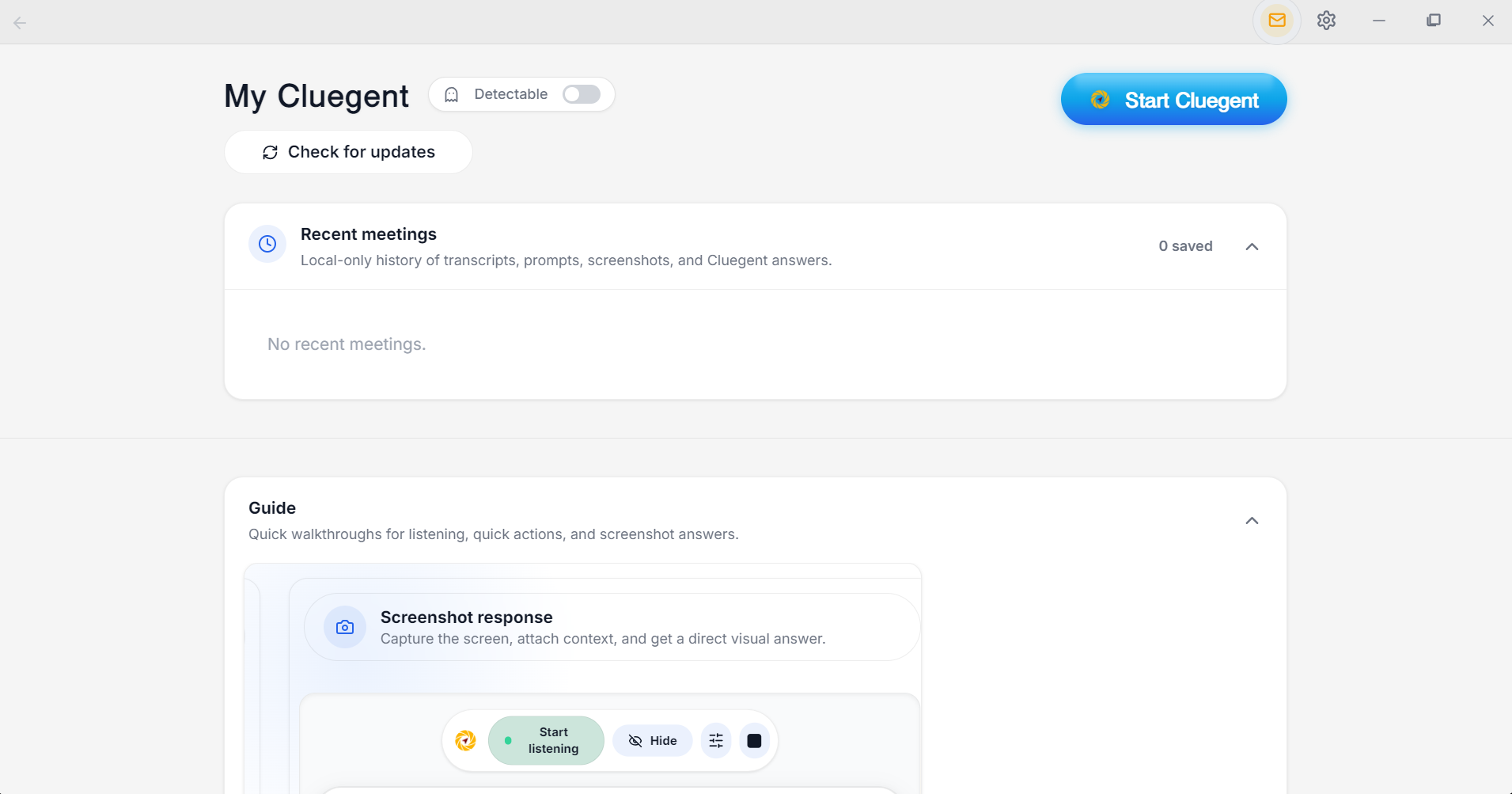
Use live listening for permitted calls, add your resume for context, submit typed prompts for direct questions, and attach screenshots when a code problem, system design diagram, or error is visible on screen.
Affordability and plan clarity
Cluegent shows plan details inside the app and keeps pricing visible on the website. Candidates can start free, test the workflow, and upgrade only if the assistant fits their interview preparation and live-call needs.
Responsible use matters
Use Cluegent only where AI assistance, transcription, screenshot capture, and desktop overlays are permitted by the interviewer, employer, platform, school, and local law.
Customize Cluegent for your context
Cluegent is not one fixed answer style. You can tune the assistant around your resume, screen, voice context, and repeated prompts.
Resume context
Add your resume in Settings → Customize so Cluegent can keep your background, projects, skills, and experience in mind while helping with permitted interviews.
Listening responses
Customize how Cluegent answers from live transcript context: concise, detailed, example-first, interviewer-facing, or any style that matches your workflow.
Screen and type responses
Set separate behavior for screenshot-based answers and typed prompt answers, so code screens, visual questions, and direct questions get the right response style.
Quick action buttons
Create quick action buttons for repeated prompts like answer shortly, give an example, explain tradeoffs, brainstorm, or ask the next question.
How Cluegent compares
Clear differences help Google and users understand where Cluegent fits.
India interview use cases
Freshers, developers, technical rounds
Generic global copy
Resume context
Built into customization
Often separate
Coding screenshots
Built in
Manual copy-paste
Meeting platforms
Zoom, Google Meet, Teams
Varies
Frequently asked questions
What is Cluegent?
Cluegent is a customizable Windows and macOS desktop AI assistant for live interviews, meetings, coding screens, and screen workflows. It listens when you start it, keeps rolling context, and shows private responses on your desktop.
Does Cluegent join my meeting?
No. Cluegent runs as a desktop app and does not join as a meeting participant or install a browser extension into the call.
Which platforms does Cluegent work with?
Cluegent is designed for desktop workflows across Google Meet, Zoom, Microsoft Teams, Slack Huddles, coding editors, browsers, and document windows.
Can I customize how Cluegent answers?
Yes. In Settings, the Customize section lets you add resume context, tune listening responses, screen responses, and typed prompt responses, and manage quick action buttons for common prompts.
Is the private overlay a guarantee against every detection method?
No. Cluegent is designed to stay out of standard screen capture behavior, but users are responsible for following laws, platform rules, workplace policies, school policies, and interview rules.